
Standing Desks
VIVO Desk Converter Review: Six Months of Daily Sit-Stand Use
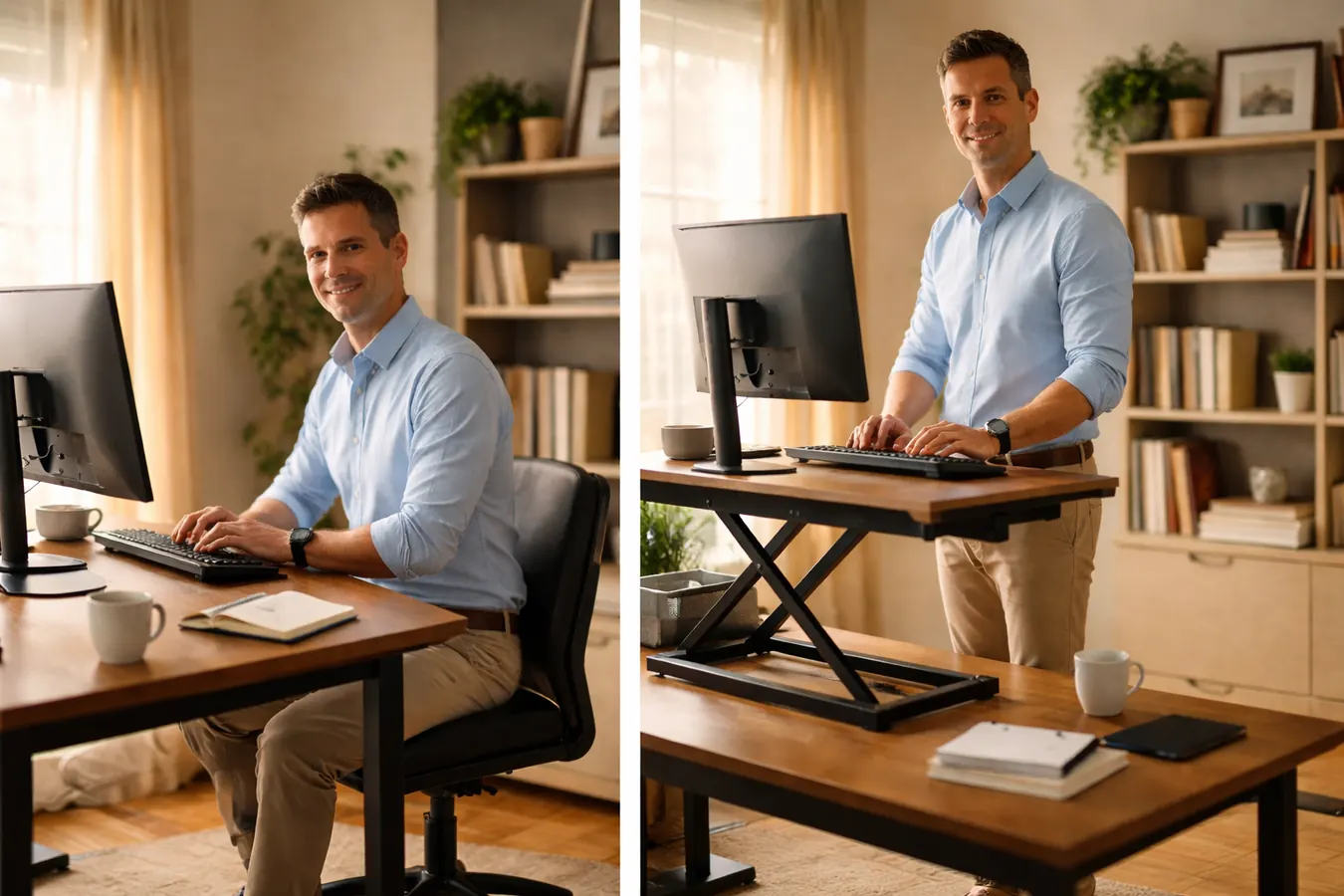
I put the VIVO K-Series on my desk in January and used it every single workday through June. Here is what I learned that the product page does not tell you.
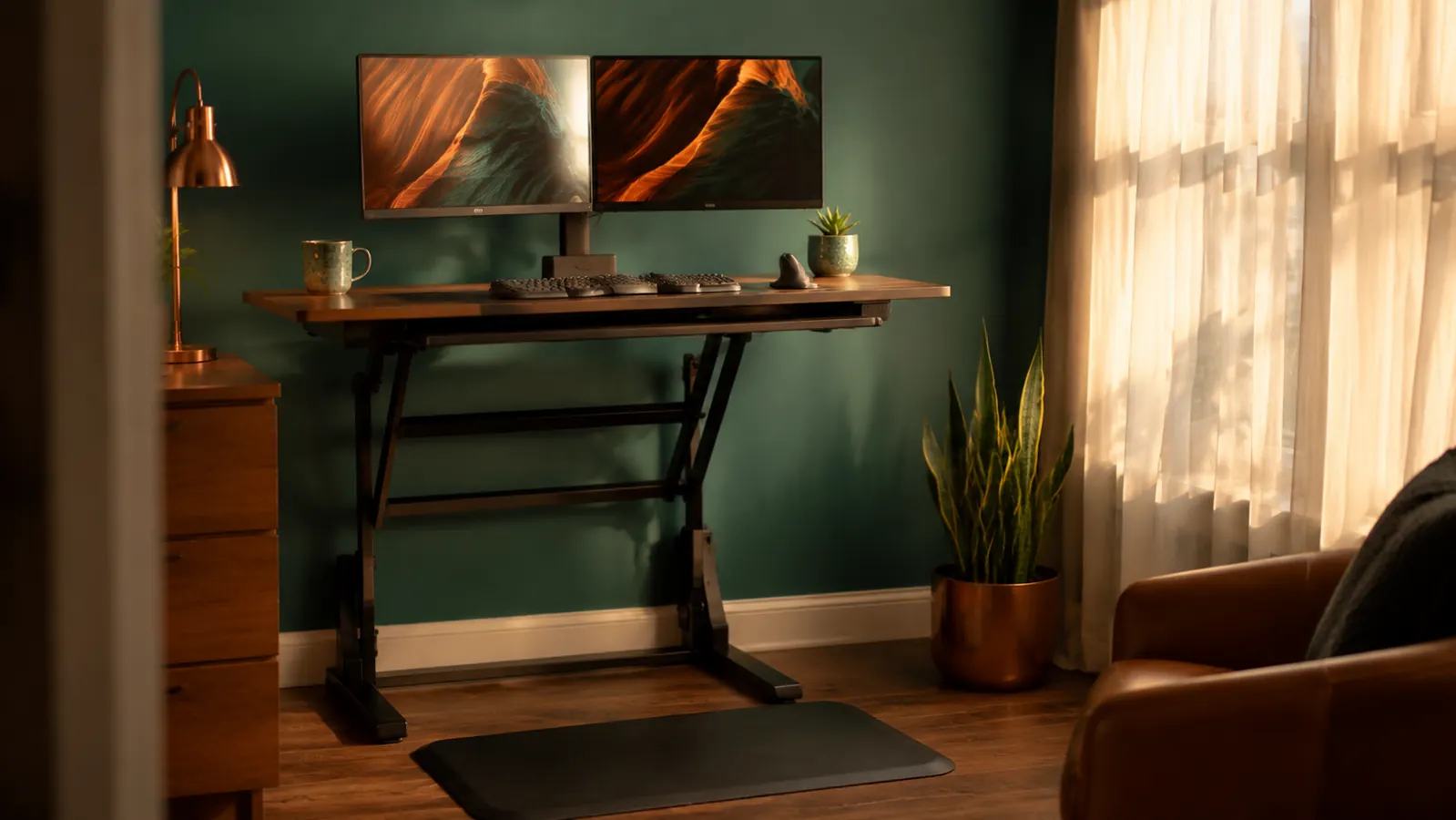
Dana's account of lower-back tension, a wobbly DIY riser fail, and the standing desk converter that finally made sit-stand switching something she actually does.
I put the VIVO K-Series on my desk in January and used it every single workday through June. Here is what I learned that the product page does not tell you.
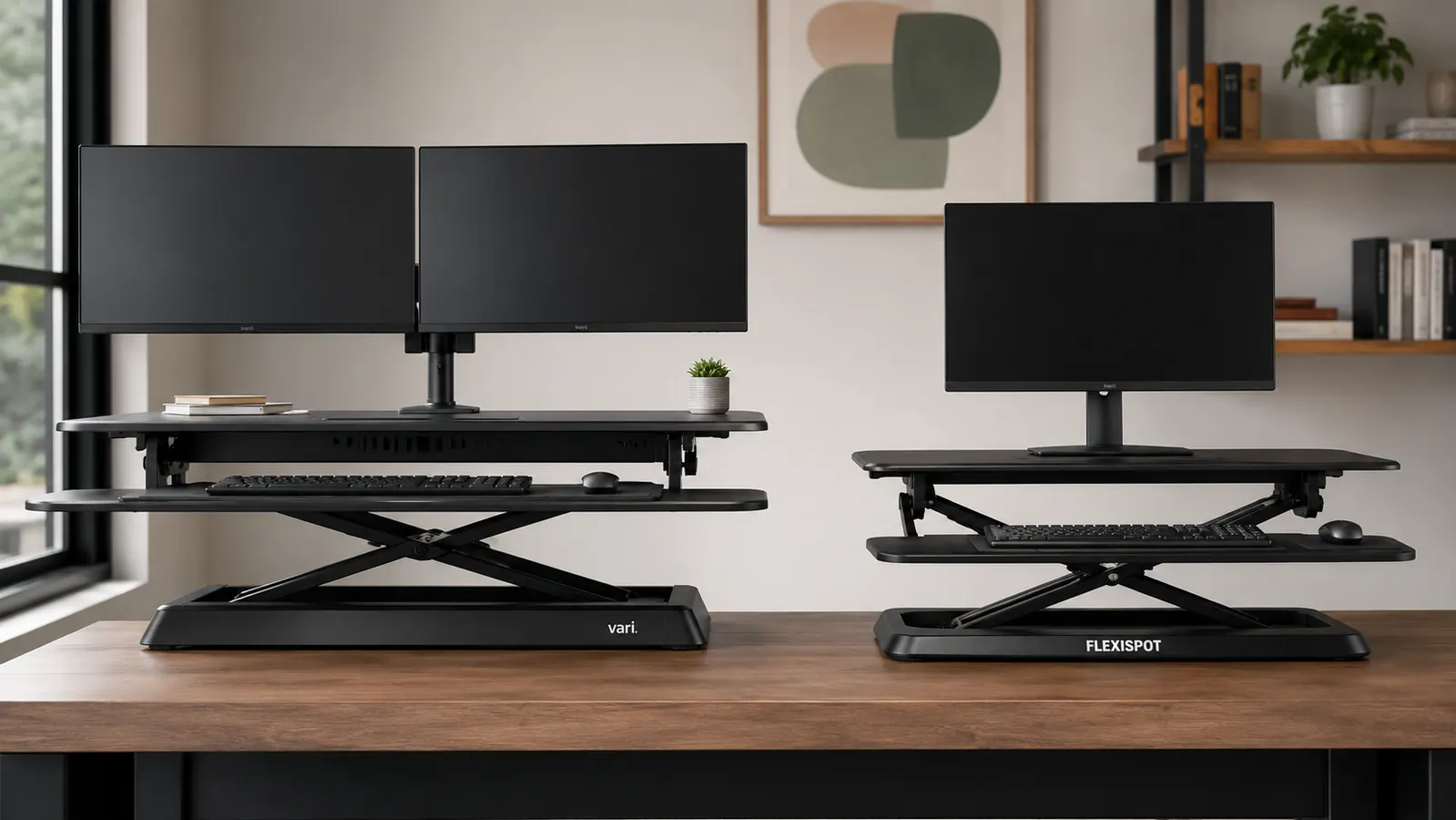
One sits on top of your existing desk and is budget-friendly. The other replaces your desk entirely and costs four times as much. Here is how to decide which path is actually right for your setup.
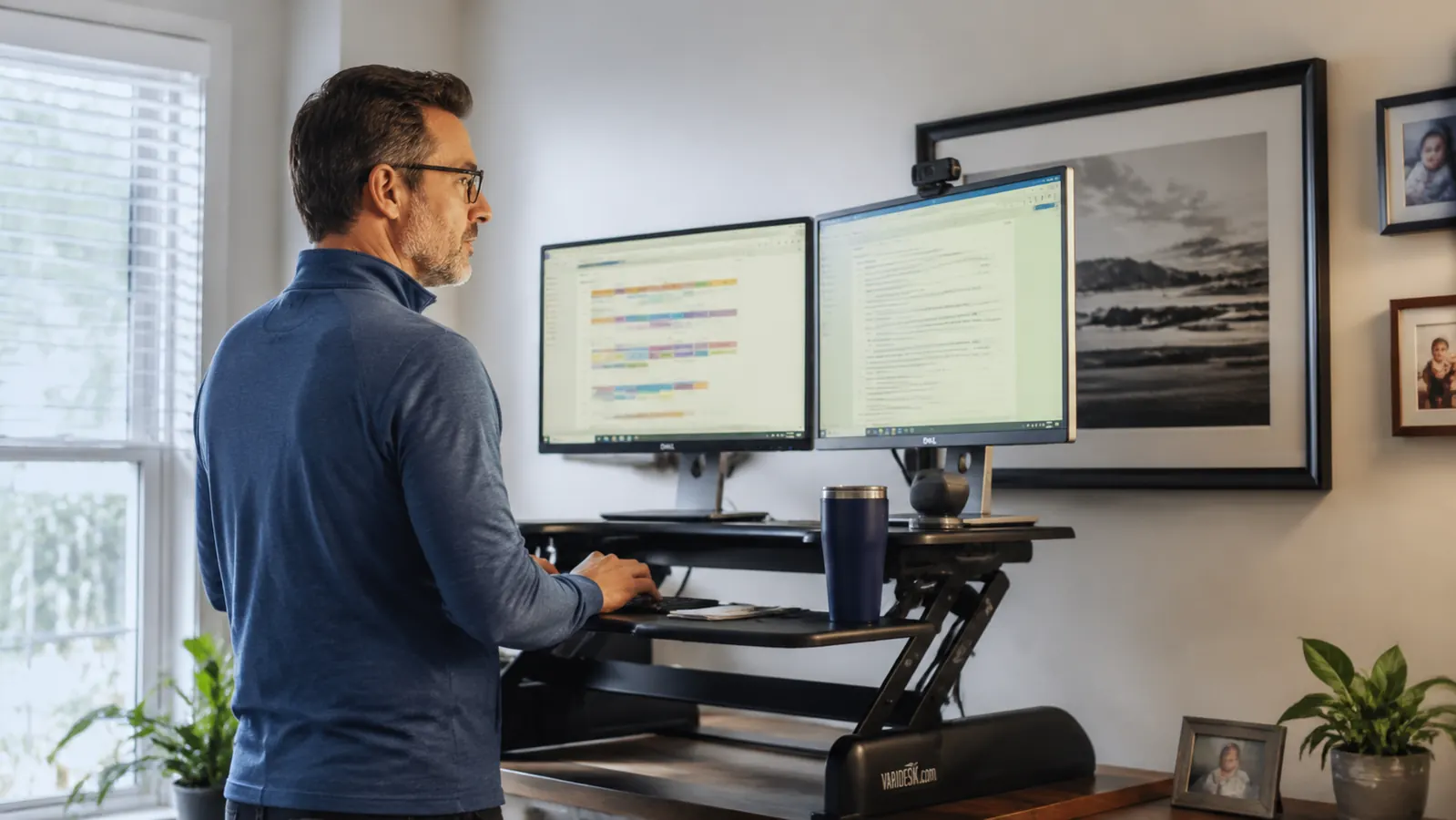
A full standing desk sounds great until you see the price tag, the assembly time, and the moving truck you will need if you ever change apartments. Here is why a quality converter gets you 90 percent of the benefit for a fraction of the effort.

Dana's account of lower-back tension, a wobbly DIY riser fail, and the standing desk converter that finally made sit-stand switching something she actually does.

A sit-stand routine that actually sticks: monitor height, keyboard placement, and a schedule built around real remote workdays.
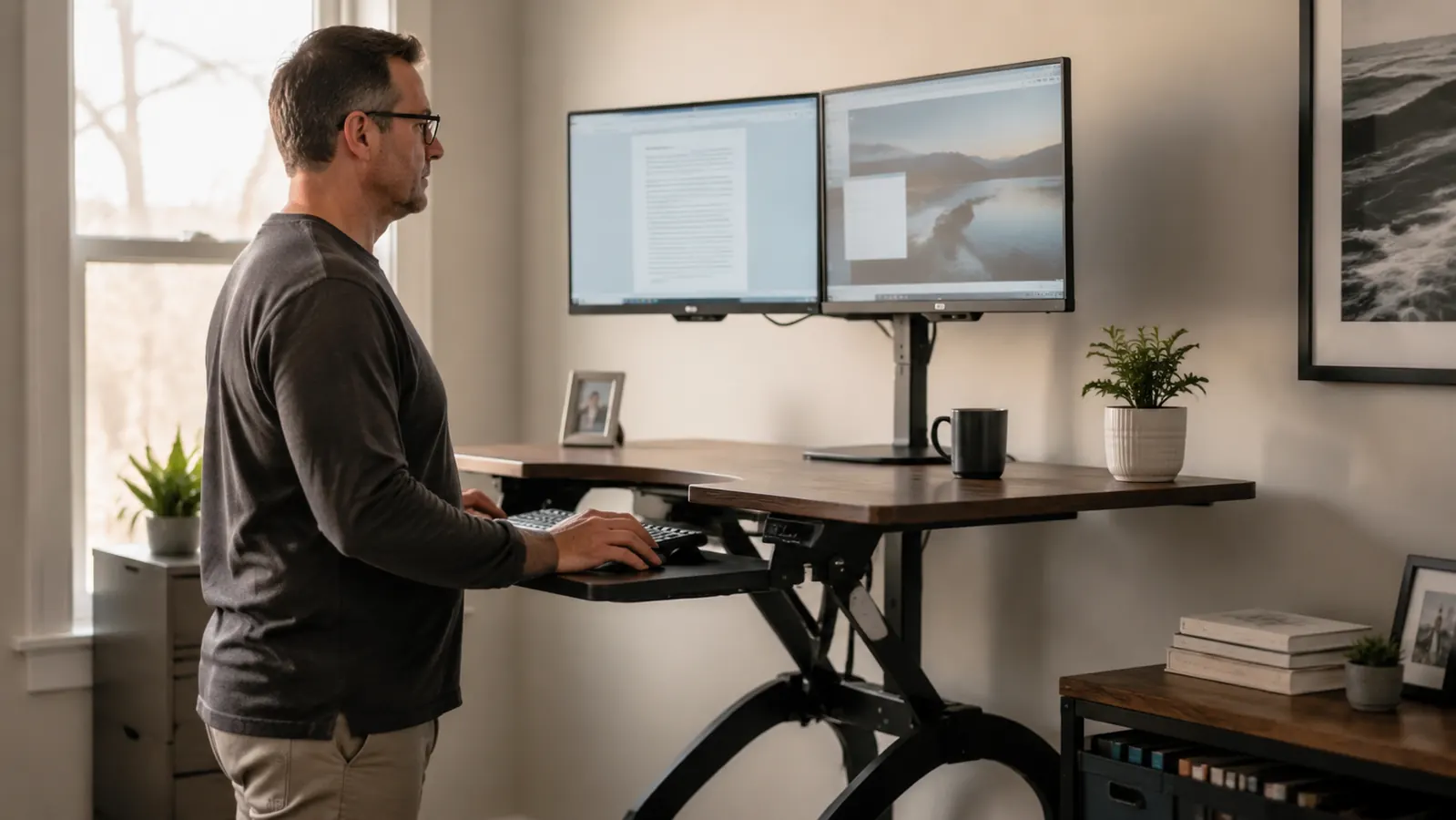
Three things I wish I had known before I ordered the VIVO K-Series. None of them are deal-breakers. All of them will change how you set it up.

I type for a living, and after a year of daily writing sessions on the K860, I can tell you exactly what held up, what surprised me, and who should probably look elsewhere.
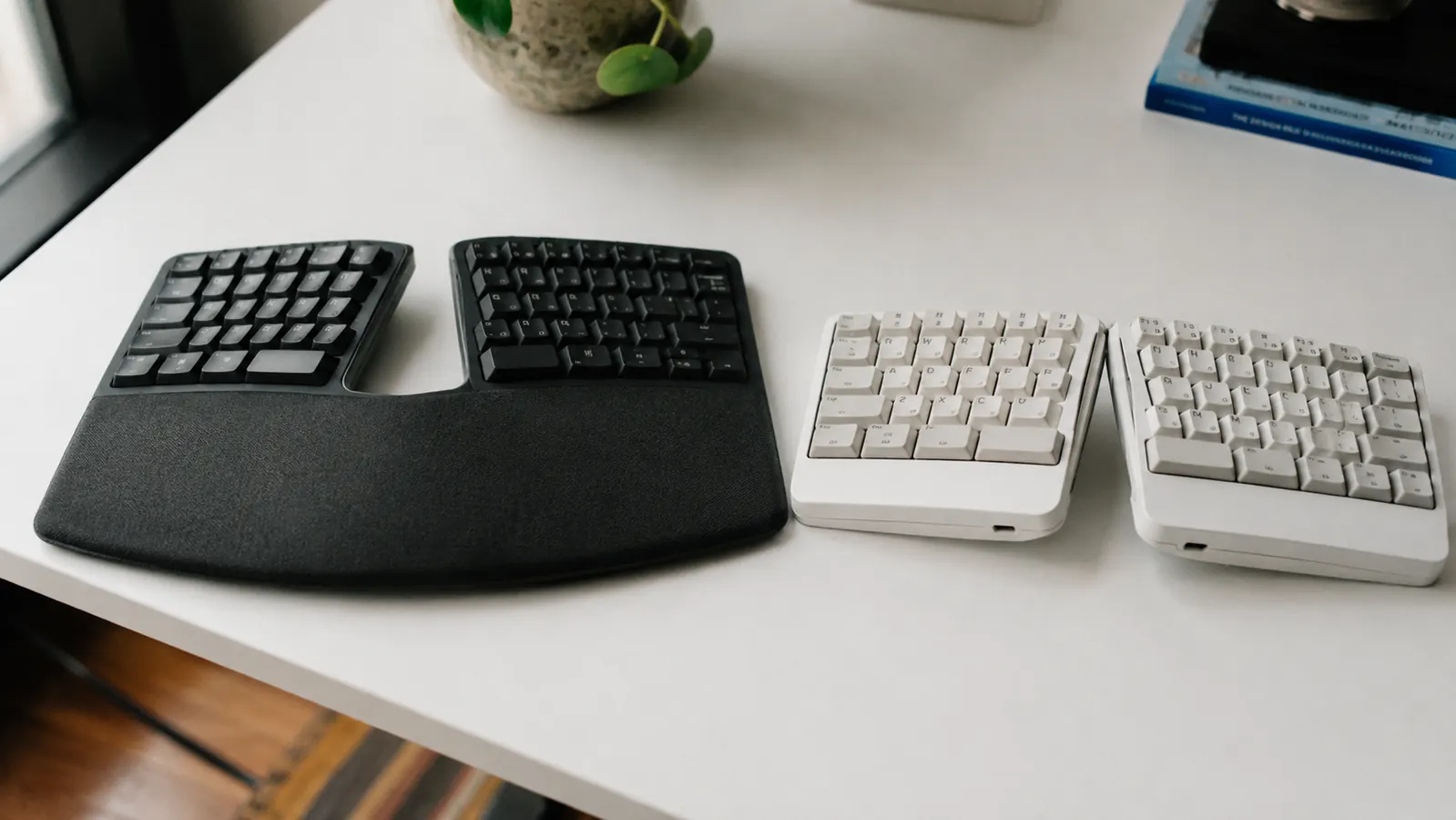
Both keyboards promise to save your wrists. After typing on each one for months, I can tell you exactly which one earns the desk space and which one collects dust.

Typing pain is not bad luck. It is bad geometry. A split keyboard fixes the geometry.

Three years of dull wrist ache, two failed attempts with cheaper alternatives, and one keyboard that finally made the pain stop.
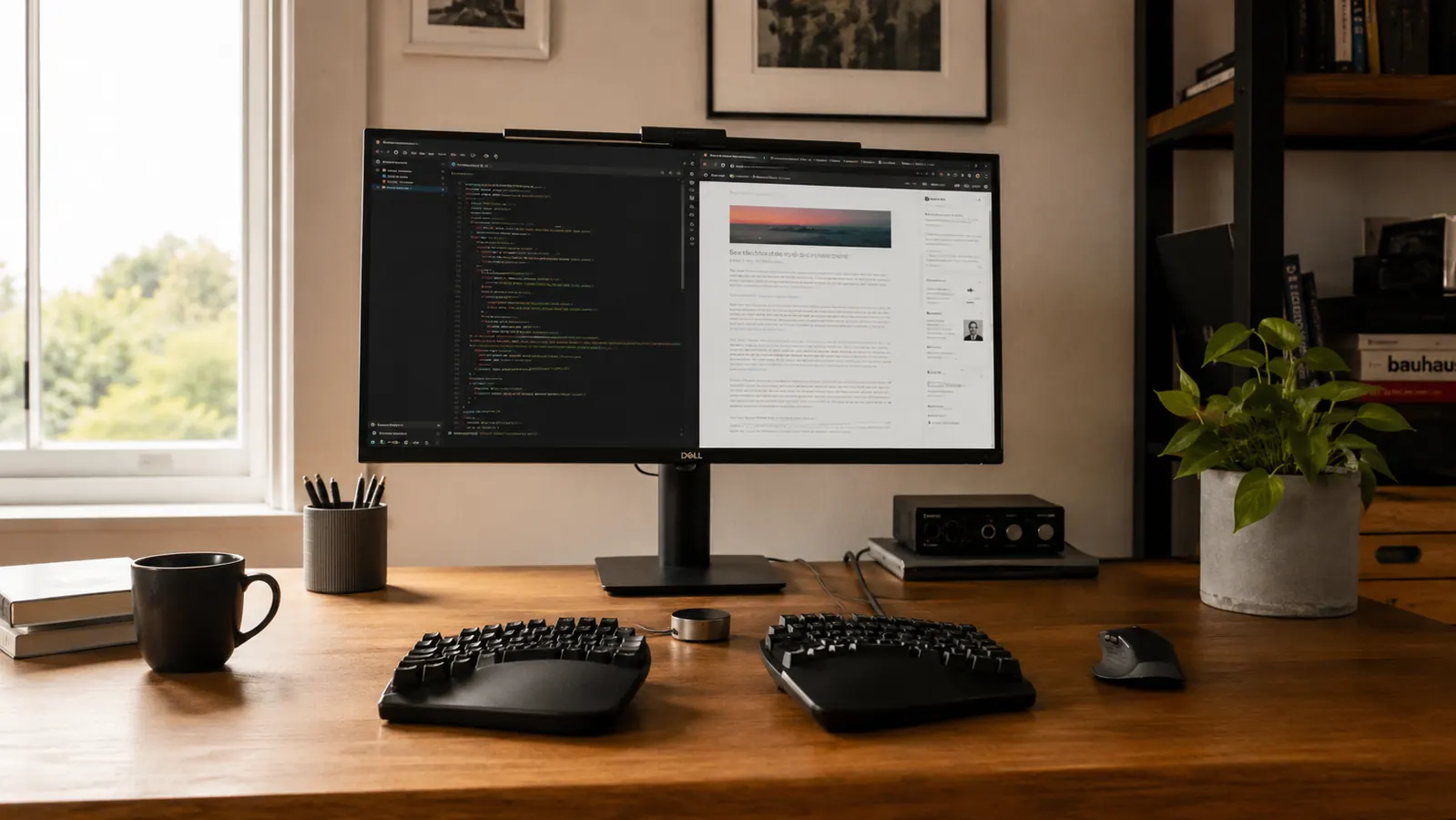
Buying the keyboard is only step one. If the height, angle, and distance are wrong, you will still feel it in your wrists by 3 p.m. This guide fixes that.
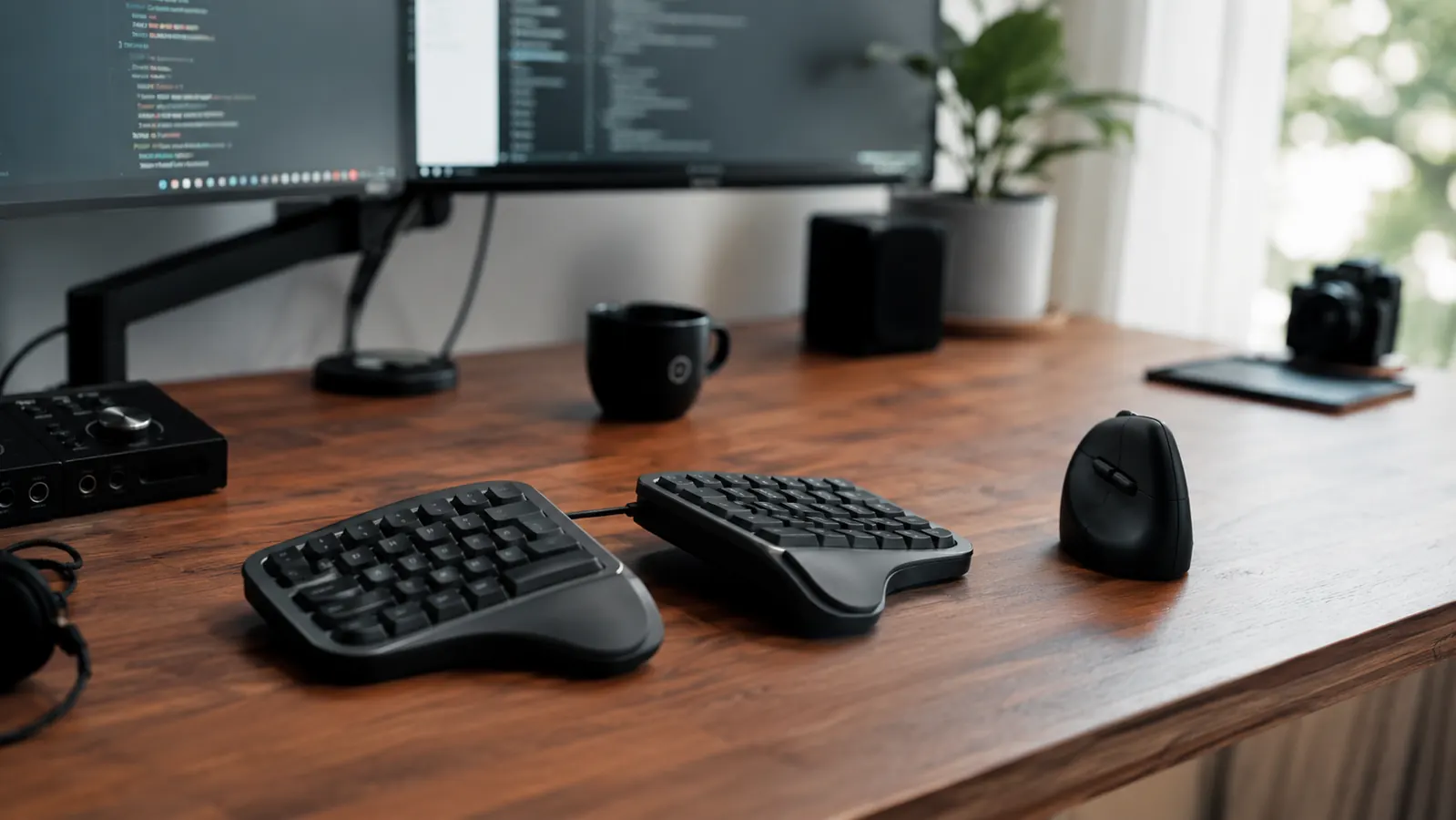
Before you spend premium money on the K860, you need to know about the desk footprint, the Mac Fn-key trap, and the setup conditions it silently requires to actually deliver the wrist relief it promises.

I spent eight months clicking, scrolling, and dragging with the MX Vertical every single workday. Here is what the forearm fatigue numbers, the sensor quirks, and the daily reality actually look like.
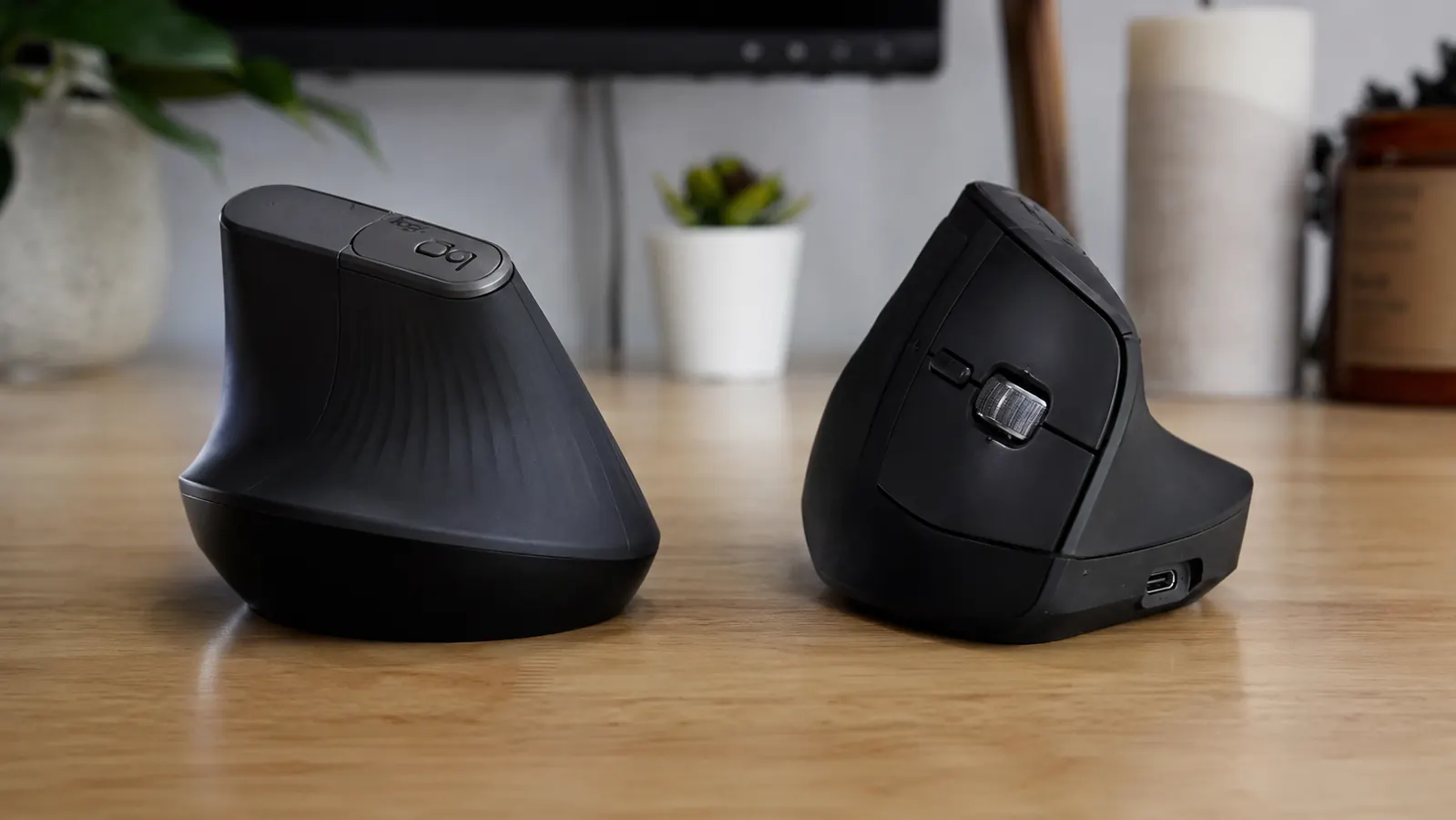
One costs roughly three times the other. After using both in a real home office setup, here is where the price gap is justified and where it is not.

Forearm ache and wrist tension from a standard mouse are not inevitable. Here are 10 reasons the Logitech MX Vertical changes your grip, posture, and comfort through a long workday.

Dana's story of forearm tension, a skeptical trial run with the MX Vertical, and the first week where the fatigue genuinely did not follow her into the afternoon.
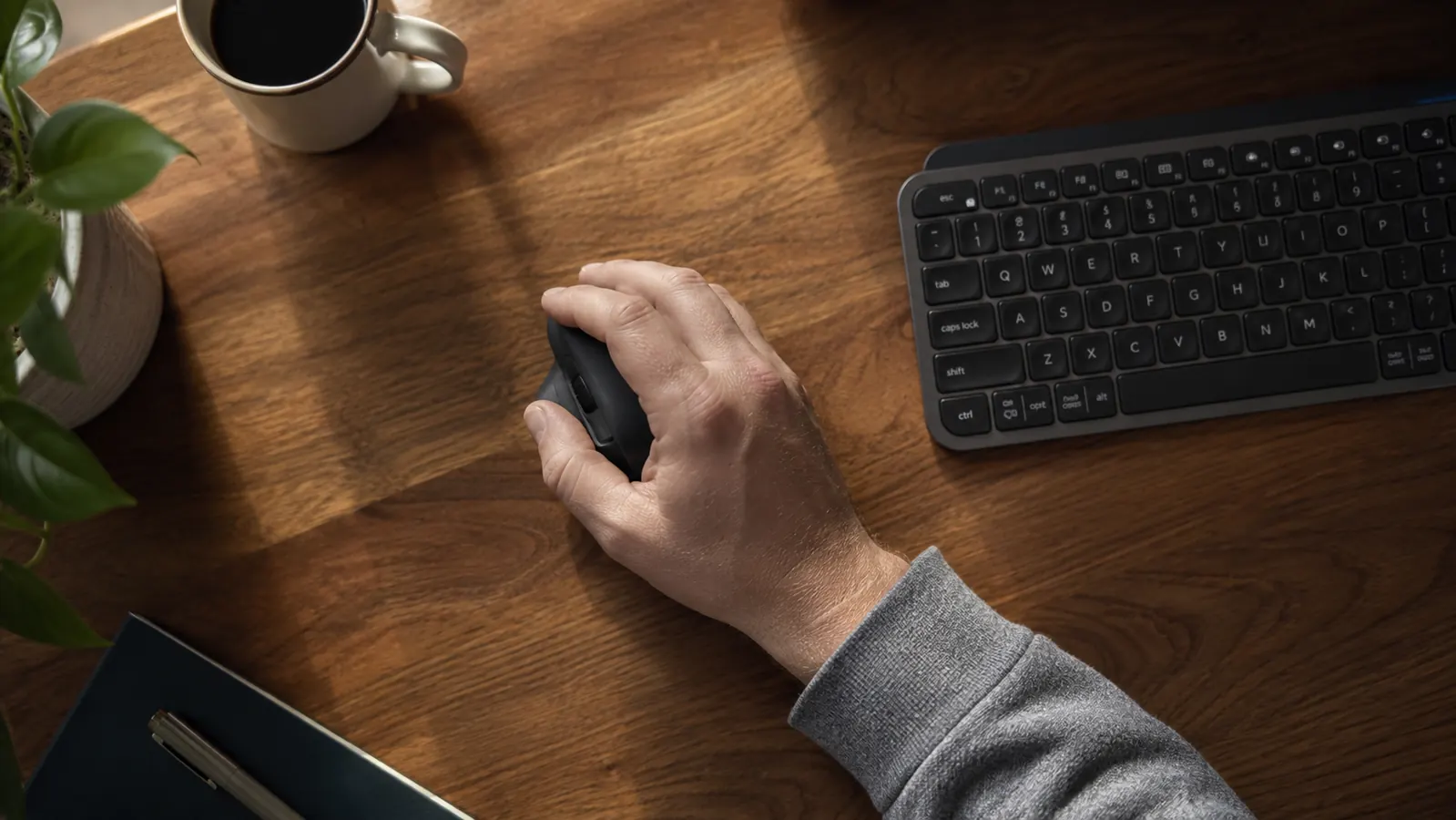
Mouse fatigue is about more than your mouse. This guide covers grip type, desk height, pad surface, and the ergonomic mouse setup that makes all-day clicking sustainable.
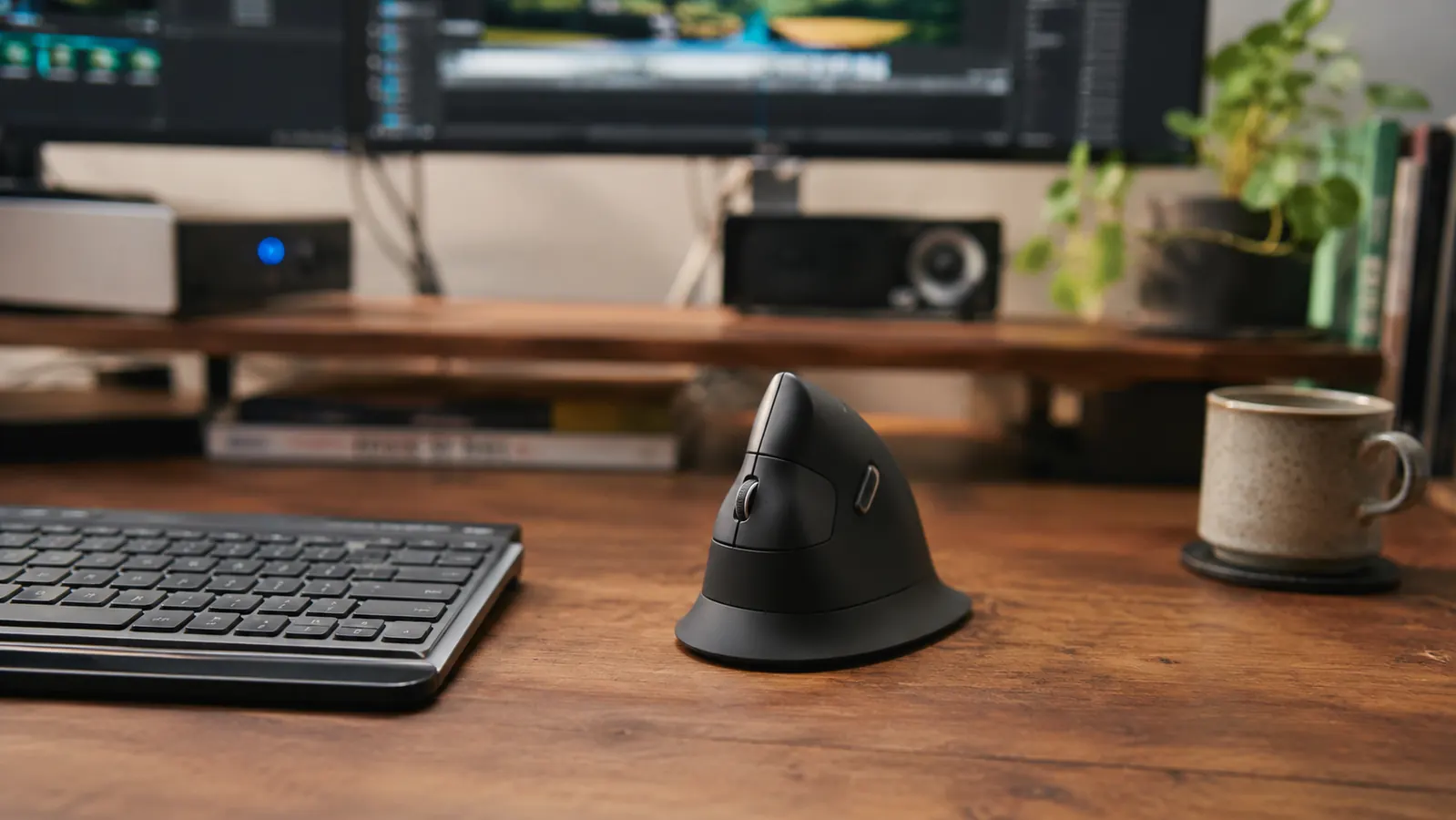
The MX Vertical is a real ergonomic tool, but the first two weeks are genuinely uncomfortable, the software has quirks nobody mentions, and the hand-size fit is more critical than Logitech lets on. Here is everything before you buy.

The Topo's contoured surface promises to keep you moving while you stand. After twelve months of daily use at my standing desk, I can tell you exactly what that promise delivers and where it falls short.
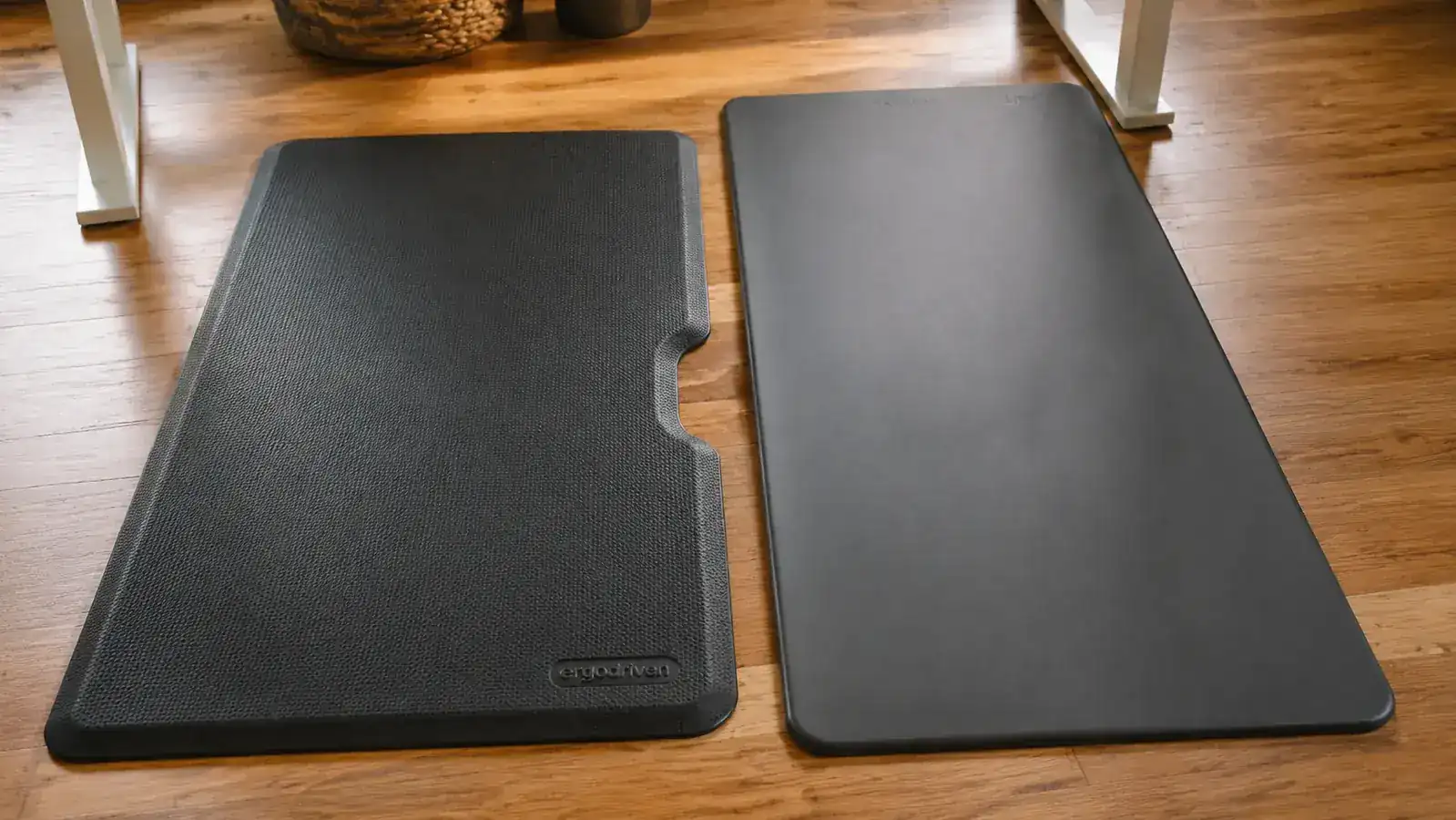
One costs roughly four times the other. After standing on both for months, the answer is not as simple as the price gap suggests.
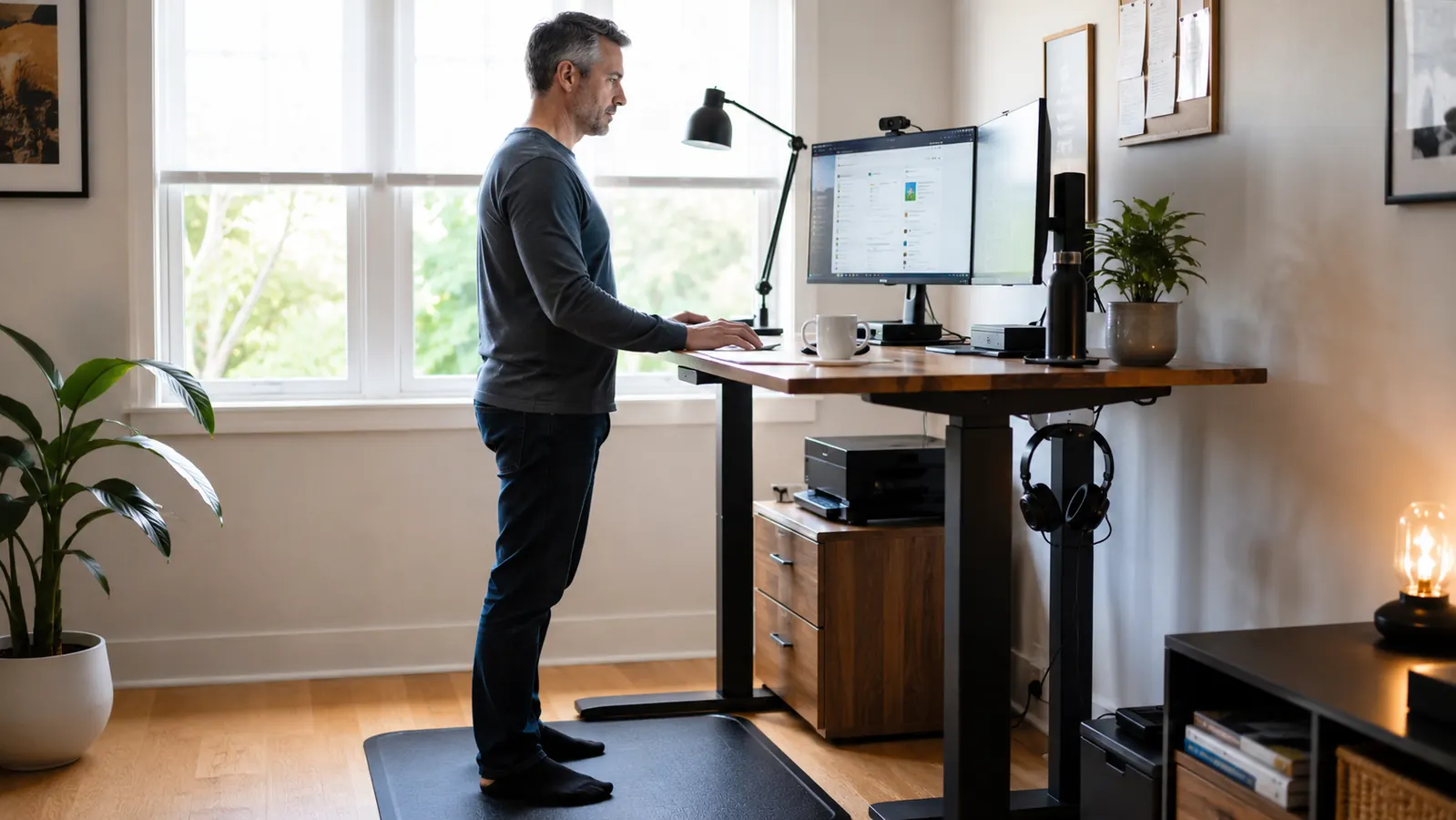
Standing on a hard floor for six hours undoes every benefit your desk promised. Here is why the mat matters more than most buyers expect, and which one held up for me after a year of daily use.
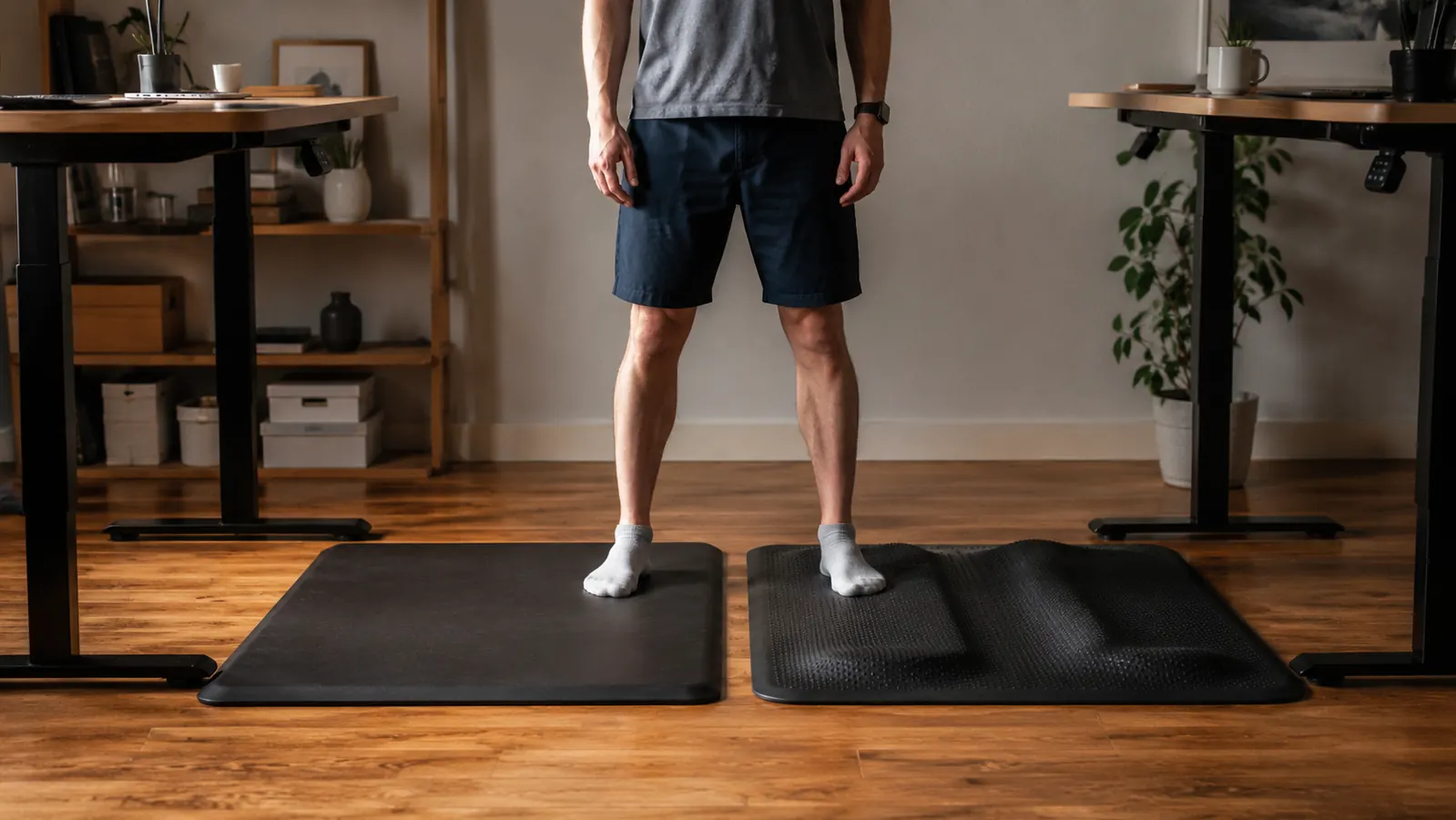
I bought three flat anti-fatigue mats before I understood why they all left my feet aching by 2 p.m. This is the story of what I got wrong, and what finally fixed it.
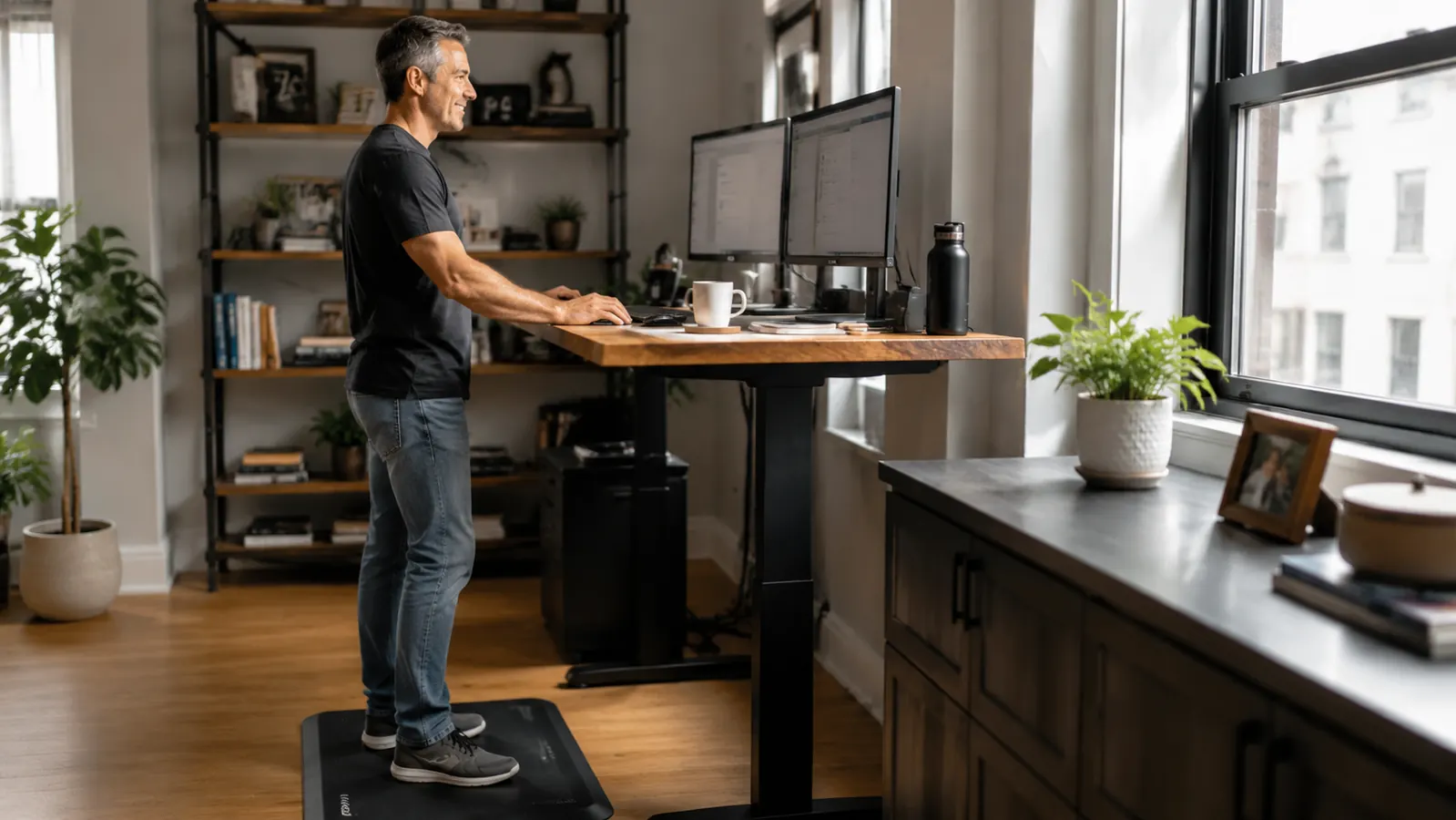
Most standing desk advice stops at buying the desk. This guide covers the mat, the footwear, the intervals, and the small movements that determine whether standing actually helps you.
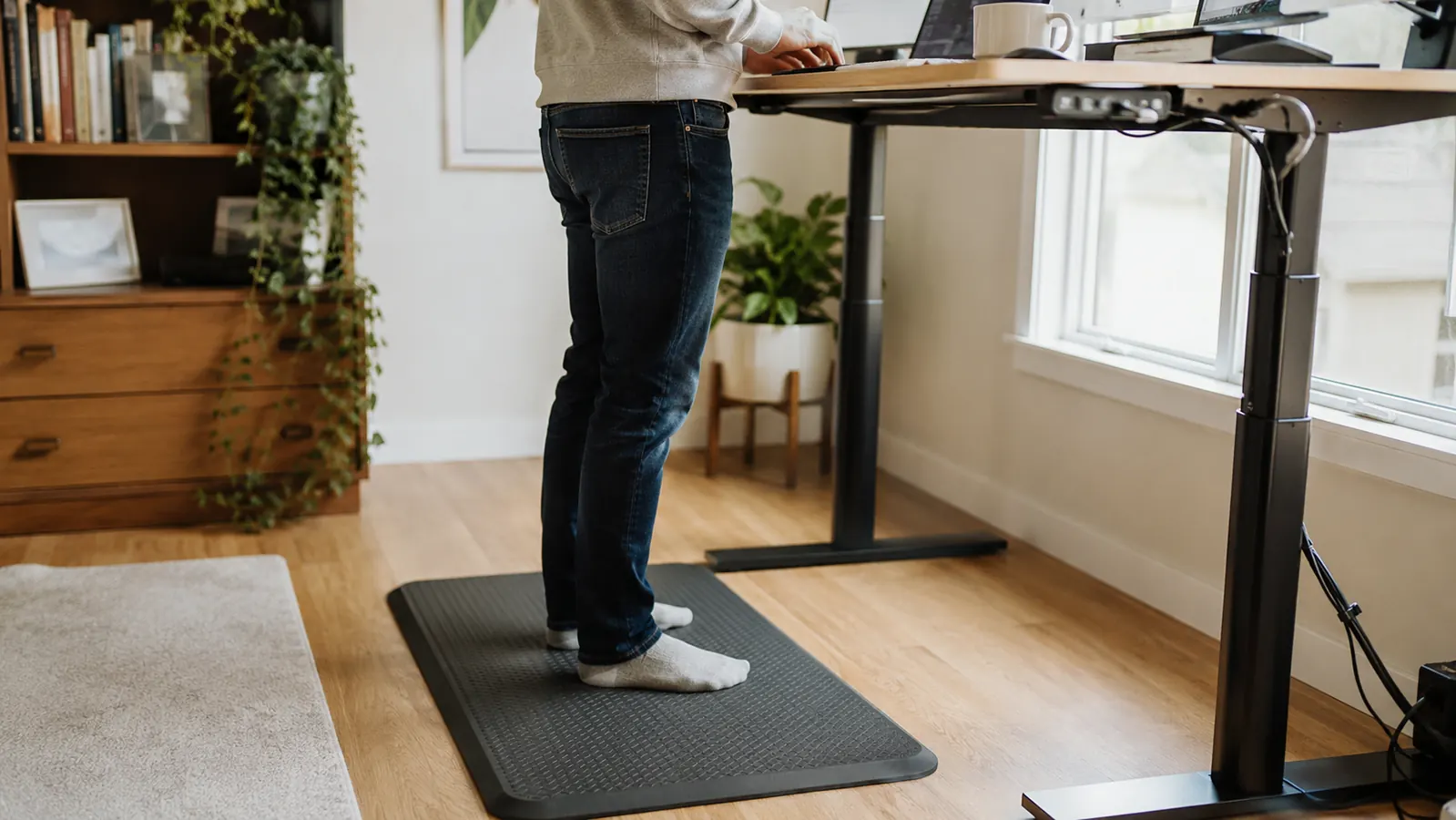
The Topo is the most-recommended standing mat on the market and it is also the most polarizing. Before you spend the money, here is everything the glowing Amazon reviews leave out.

I bought the Lamicall aluminum stand after a physio appointment, used it every working day for ten months, and I am still using it. Here is the full, honest breakdown.
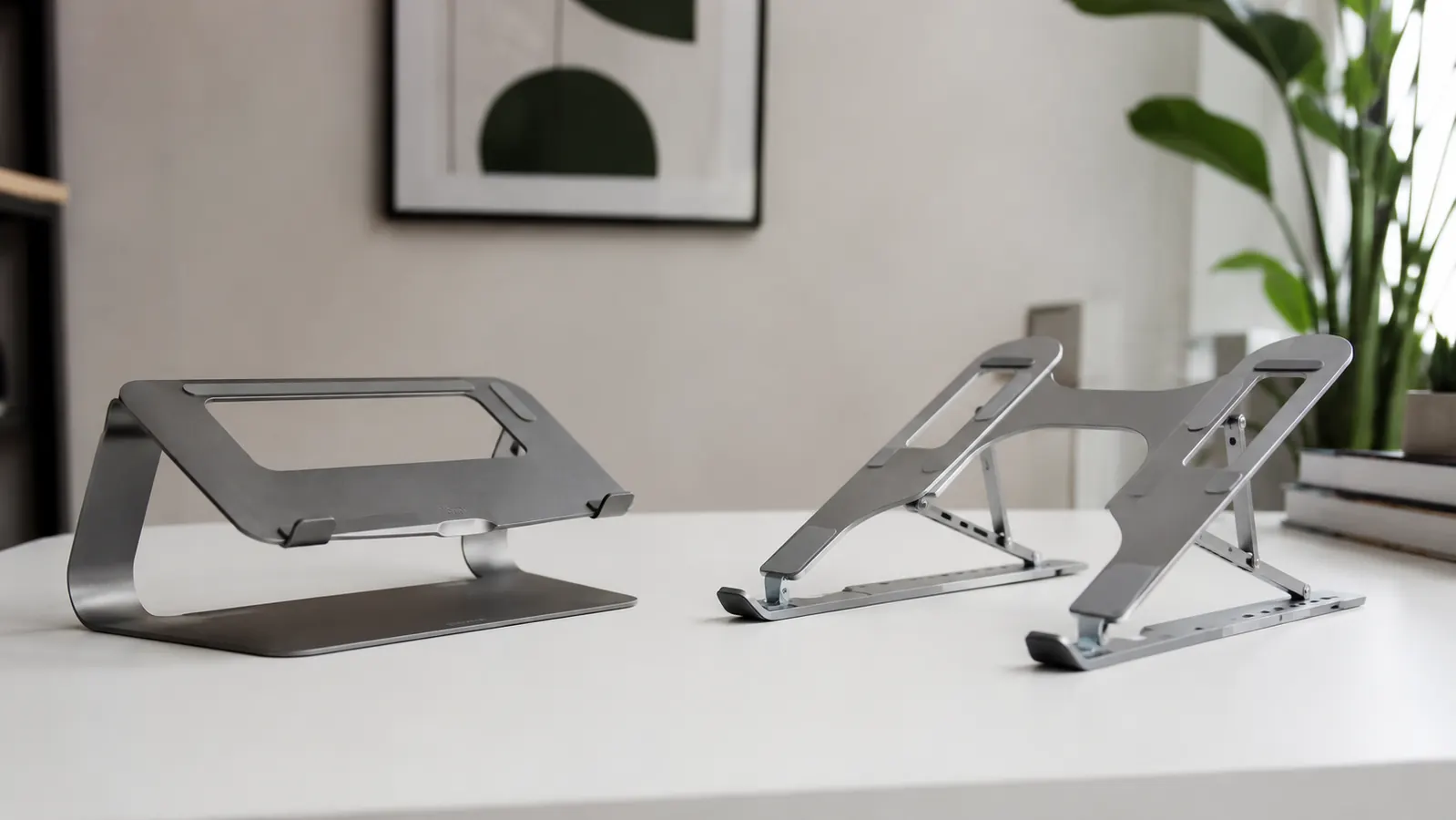
Both stands promise to lift your screen and save your neck. Only one is built for permanent desk duty.

Staring down at a laptop all day is a slow way to wreck your neck and shoulders. Here are ten specific reasons a laptop stand changes the equation, and why the Lamicall is the one I reach for.

Dana's story of daily neck stiffness, a physio appointment, and the aluminum laptop stand that turned out to be the simplest and cheapest fix in her home office.

Neck pain from remote work almost always comes from screen height, not your chair. Here is the step-by-step fix, starting with a laptop riser that costs less than a physio co-pay.
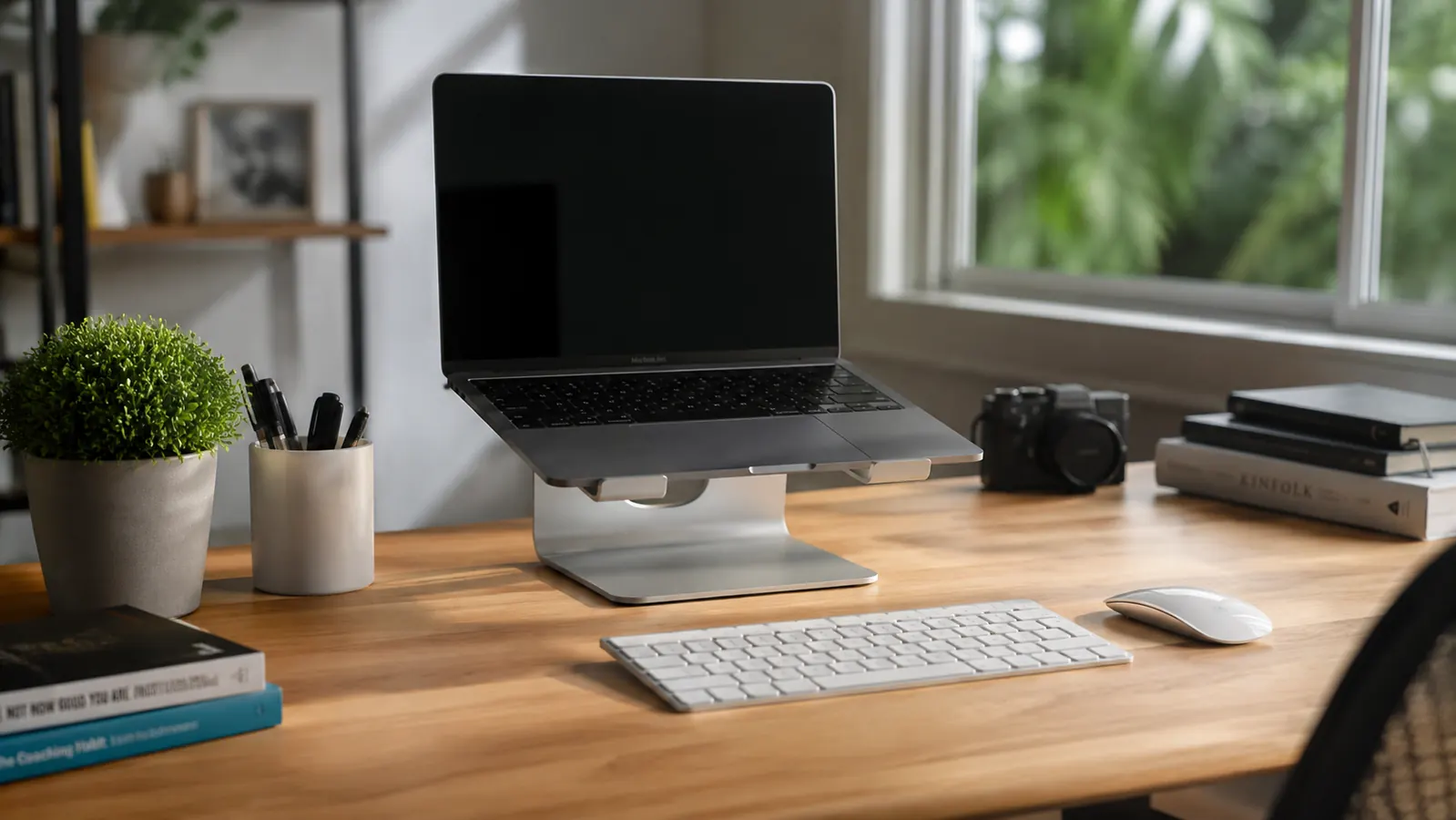
The Lamicall stand is on more recommended lists than almost any laptop riser on Amazon. Before you add it to your cart, here is the unfiltered version that covers what most reviewers leave out.
I put the VIVO K-Series on my desk in January and used it every single workday through June. Here is what I learned that the product page does not tell you.
Three things I wish I had known before I ordered the VIVO K-Series. None of them are deal-breakers. All of them will change how you set it up.
I type for a living, and after a year of daily writing sessions on the K860, I can tell you exactly what held up, what surprised me, and who should probably look elsewhere.
Before you spend premium money on the K860, you need to know about the desk footprint, the Mac Fn-key trap, and the setup conditions it silently requires to actually deliver the wrist relief it promises.
I spent eight months clicking, scrolling, and dragging with the MX Vertical every single workday. Here is what the forearm fatigue numbers, the sensor quirks, and the daily reality actually look like.
The MX Vertical is a real ergonomic tool, but the first two weeks are genuinely uncomfortable, the software has quirks nobody mentions, and the hand-size fit is more critical than Logitech lets on. Here is everything before you buy.
The Topo's contoured surface promises to keep you moving while you stand. After twelve months of daily use at my standing desk, I can tell you exactly what that promise delivers and where it falls short.
The Topo is the most-recommended standing mat on the market and it is also the most polarizing. Before you spend the money, here is everything the glowing Amazon reviews leave out.
I bought the Lamicall aluminum stand after a physio appointment, used it every working day for ten months, and I am still using it. Here is the full, honest breakdown.
The Lamicall stand is on more recommended lists than almost any laptop riser on Amazon. Before you add it to your cart, here is the unfiltered version that covers what most reviewers leave out.